API
Automate the collection of billing data by sending a payment link to your customers
If you run an online business, you know how essential it is to make the sales process as streamlined and efficient as possible, especially invoicing and collecting customer data. Often, during payment, the user is not required to enter billing details, or does not provide them due to carelessness or disinterest. This means that the seller must contact the customer afterwards — by email, phone or even in person — to recover the missing information, which is essential for issuing the electronic invoice.
This is an inefficient activity, which takes up valuable time and risks interrupting the workflow, as well as causing delays and potential inconvenience for both seller and buyer. In addition, it is not always possible to get a response or cooperation from the customer, which can compromise compliance with tax obligations and slow down administrative management.
To avoid these complications, it is possible to adopt an automated approach that seamlessly integrates the payment moment with the collection of billing data. The A-Cube for Stripe app is designed exactly for this: it allows you to generate custom payment links through which the customer can complete the transaction and, at the same time, enter all the information needed for e-invoicing in a guided way.
The result is a process that is simpler, safer and more immediate, which reduces manual intervention, minimises errors and significantly improves the shopping experience. Automating this step means not only saving time, but also ensuring greater accuracy, timeliness and regulatory compliance in the management of online sales.
How does it work?
Through the A-Cube for Stripe app the procedure is very simple:
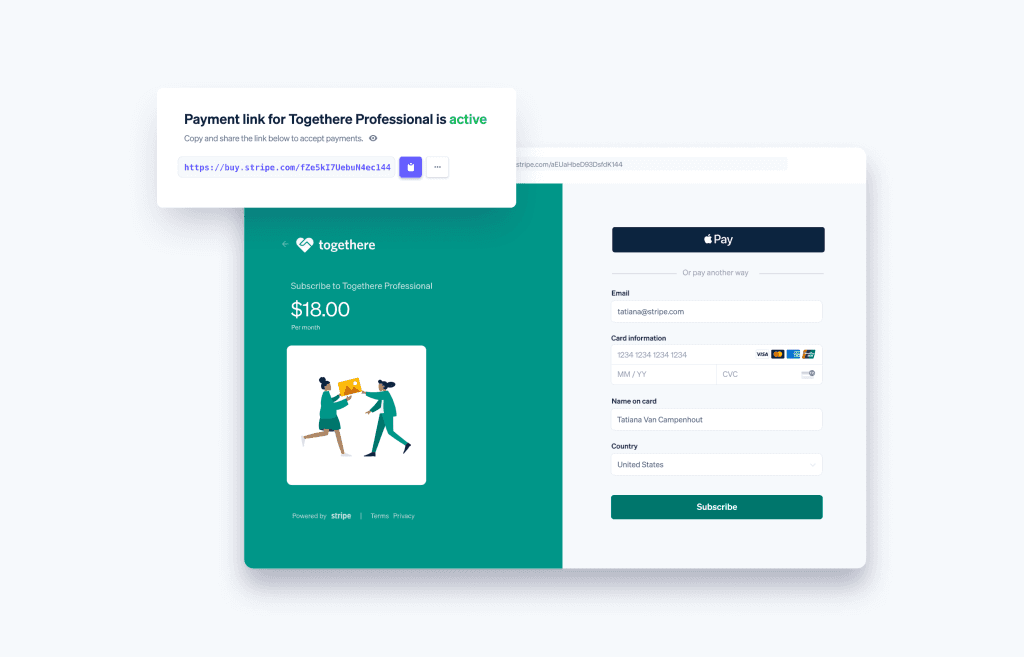
Connect the Stripe payment link to the A-Cube platform via the app
Configure the options specific to each Link through a dedicated panel, for example allowing the customer to receive a receipt instead of an invoice
Receive the payment from the customer by sharing the generated Link.
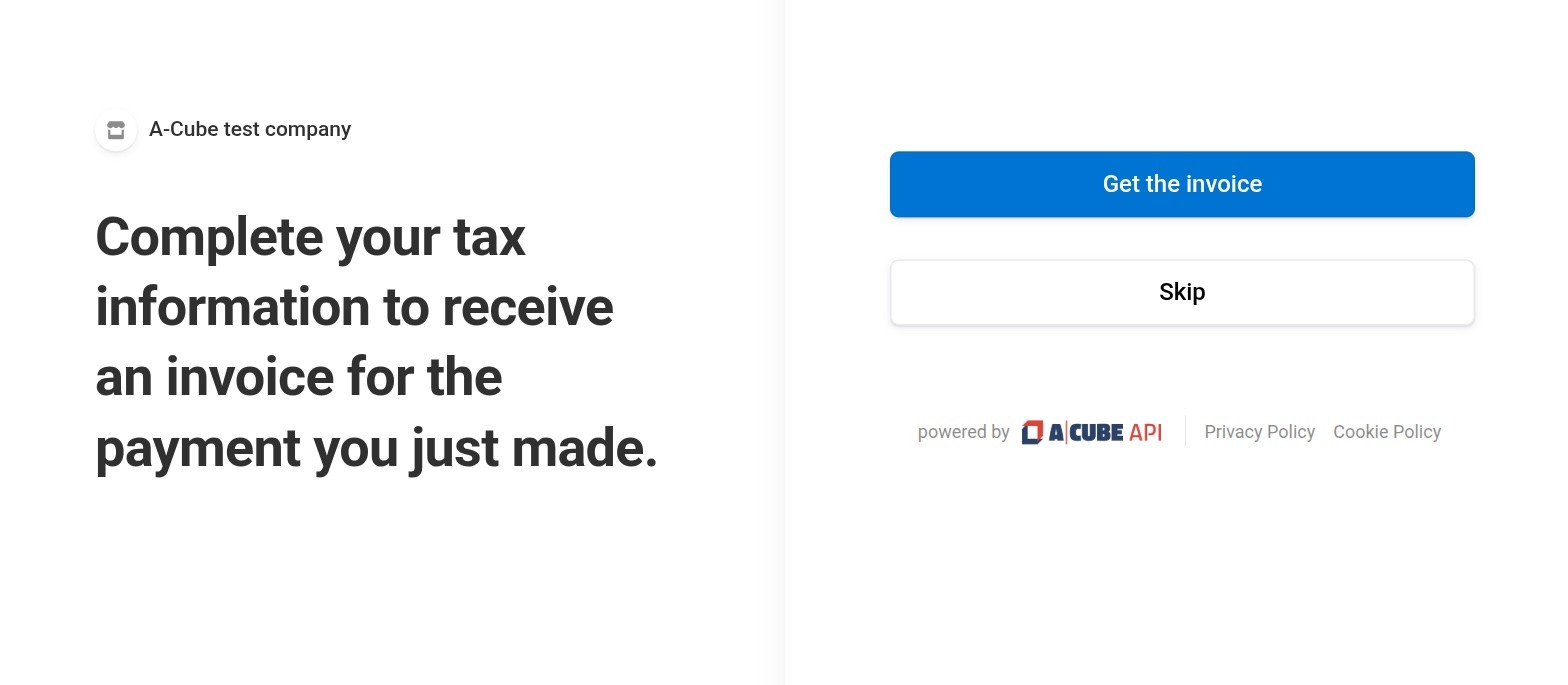
After payment, the system redirects the customer to a specific web page on A-Cube, where the customer can provide all the information needed for invoicing (e.g. company name, VAT number, SDI/PEC code).
A-Cube verifies that the entered data exists and is valid, then processes the invoice and sends it automatically to the Revenue Agency.
If the appropriate option was selected and the customer explicitly chooses to not receive an e-invoice during the procedure, the system will skip the request for billing data and issue a simple e-receipt.
With this integrated solution, customers will appreciate a streamlined invoicing process with no hitches. The possibility of providing their information in a simple and intuitive way, via a custom payment link, also helps build an image of professionalism and customer care. The integration can also facilitate alignment of information between payment and accounting systems, and this leads to greater clarity and accuracy in financial management, simplifying reconciliation and the preparation of financial statements.
For further information, the technical documentation is available here: https://docs.acubeapi.com/documentation/stripe/payment_links/
To try the A-Cube for Stripe app now:
https://www.acubeapi.com/prodotti/app-stripe-e-invoicing